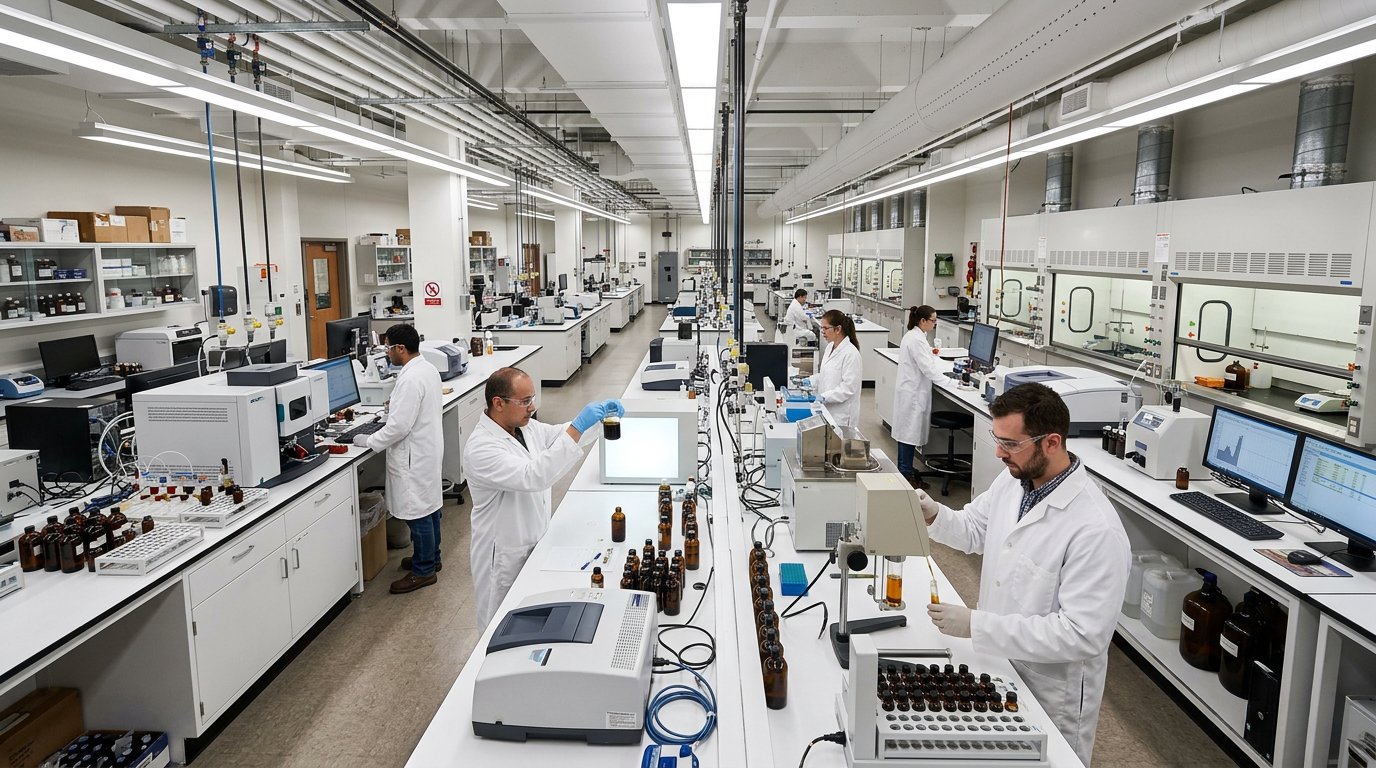
Oil Analysis Program
Detect wear and contamination before they become costly failures. Our predictive oil analysis program, partnered with WearCheck laboratories, identifies abnormal equipment conditions hundreds of hours before failure.
Simple, Paperless Sampling
We set up your equipment so taking a sample is as easy as taking two pictures - no paper forms and no guesswork, whether you run a single machine or an entire fleet.

WearCheck Mobile App
We are experts in oil analysis and set up each piece of your equipment with a durable QR code asset tag. Once your fleet list is uploaded to WearCheck, taking a sample is as simple as scanning the tag and taking two pictures - no paper forms, no guesswork, whether you run a single machine or an entire fleet.
- Scan the tag to auto-populate equipment info
- Photo-document sample and equipment condition
- Submit samples right from your smartphone
- Track sample history for each asset
- Durable tags withstand harsh conditions
- Upload your fleet list once - no more paperwork
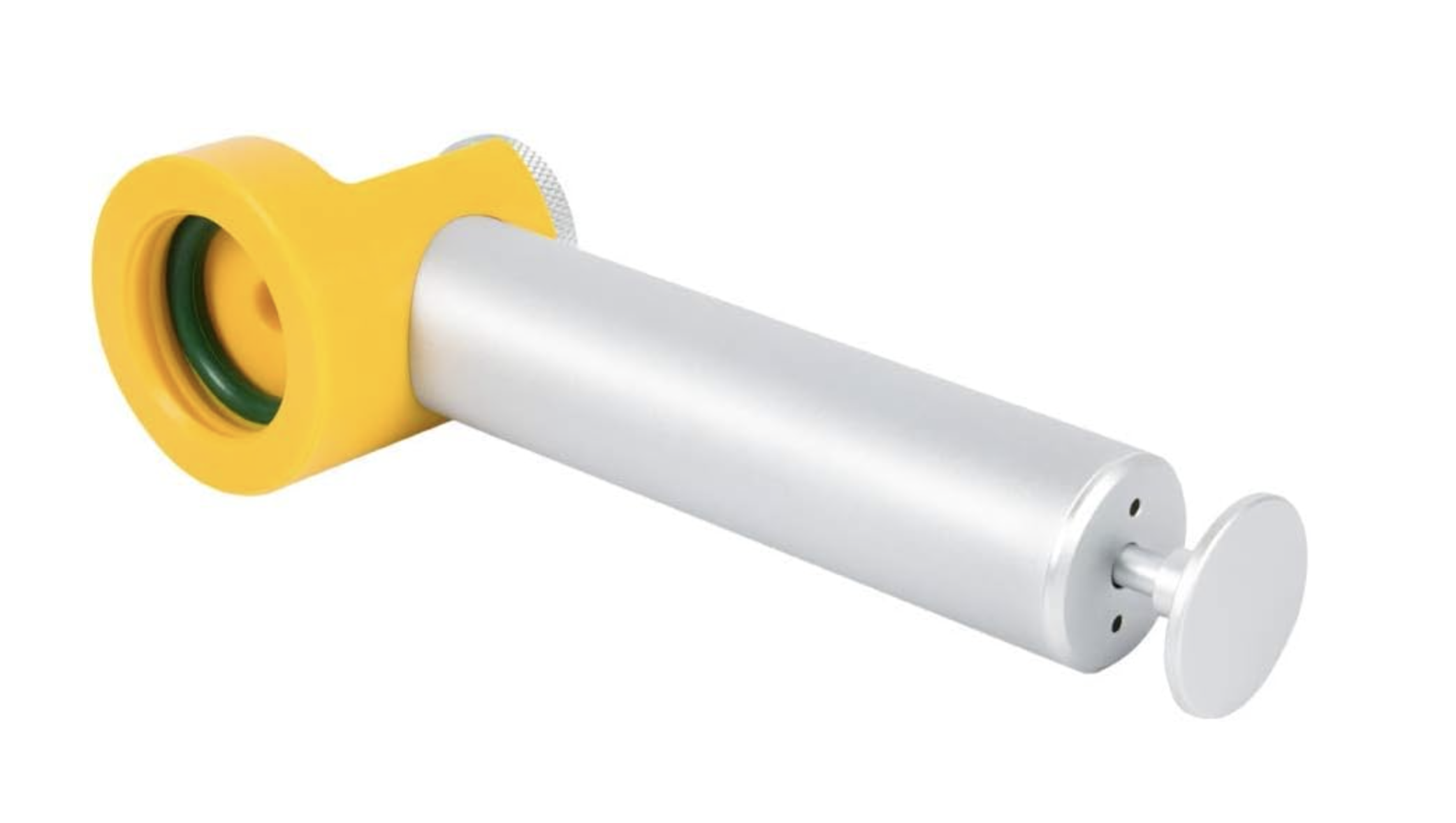
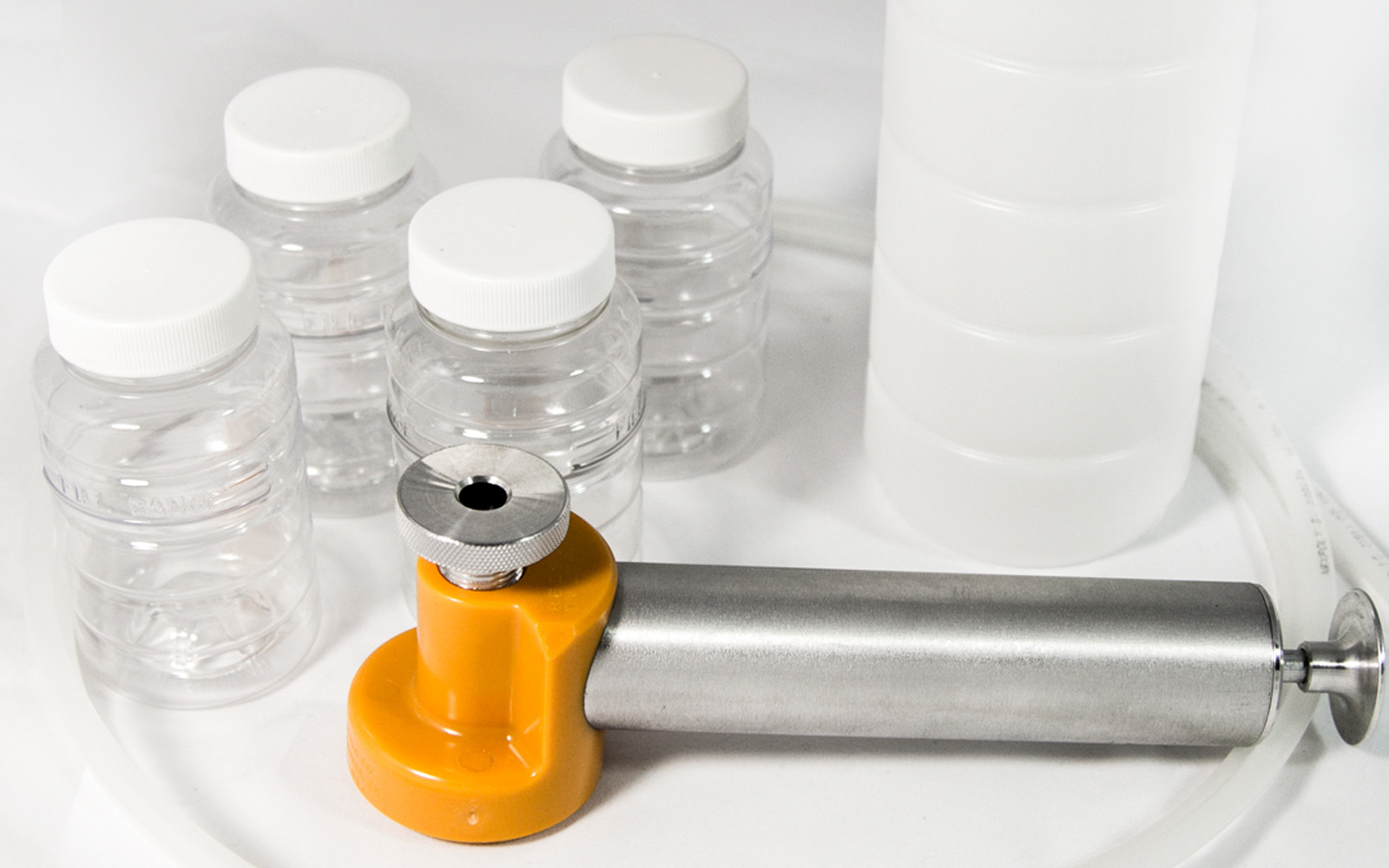
Need a sampler? Grab a Sample Thief
A clean, consistent draw is the difference between reliable results and a wasted kit. This reusable vacuum sampler pulls a representative oil sample straight from the reservoir - no mess, no cross-contamination.
How to submit a sample
Sample Submission with the WebCheck App
Prep the bottle, then link it to the machine in the app. The whole process takes a couple of minutes per sample.
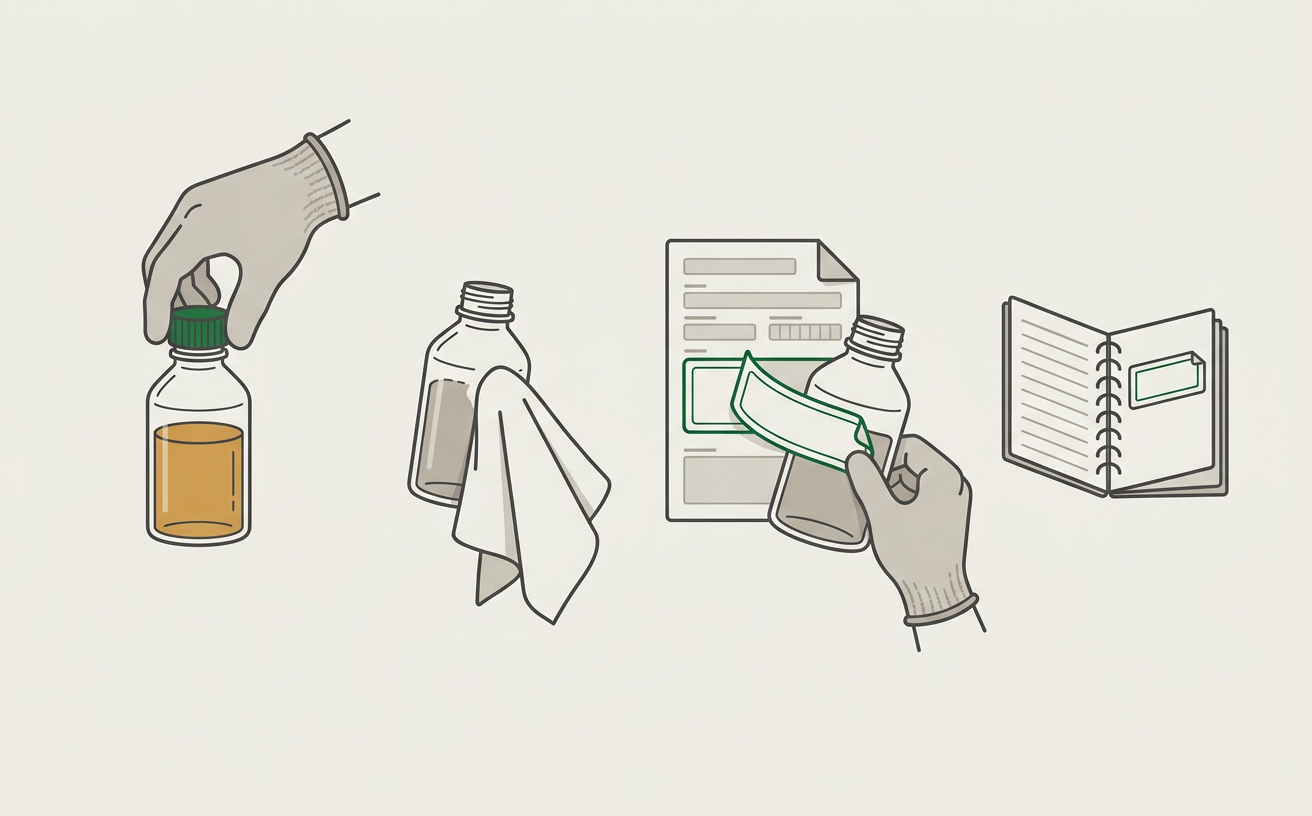
First, prep the bottle
- Take the oil sample as you normally would and re-cap the sample bottle.
- Make sure the cap is tightened securely and wipe any excess oil off the bottle.
- Peel the sample label off the sample form and stick it on the bottle.
- Peel the tracking label off the sample form and stick it in your asset log booklet.
Then, submit it in the app
 1
1Log in
Sign in to the WebCheck app with your WearCheck credentials. The app caches your machines.
 2
2Tap “Scan QR Code”
From the home screen, tap the Scan QR Code button.
 3
3Scan the machine
Find the sampled machine in your asset tag booklet (or on the unit) and scan its QR code.
 4
4Tap “Scan”
The asset is selected and the sample submission screen loads. Tap the Scan button.
 5
5Scan the bottle label
Scan the label on the oil sample bottle you just took from that machine.
 6
6Add the details
The sample is now linked to the machine. Use the SIMPLE data entry mode to add info.
 7
7Submit the sample
Pick the sample date, add photos or a comment if you like, then tap Submit Sample.
 8
8Review submissions
Submitted samples are listed. Slide right to update a sample’s info, slide left to delete it.
 9
9Ship it to the lab
When the lab scans the bottle’s code, your sample info is retrieved automatically.
See Your Whole Fleet at a Glance
Every sample you submit flows into Prophet, Leahy-Wolf's private, always-current oil analysis portal powered by WearCheck. Track fleet health, drill into any component, and see the lab's diagnosis and trends over time. Below is a live preview using anonymized equipment data.

Powered by Prophet
See the Future Health of Your Equipment
A single sample tells you how a component is doing today. Prophet looks at every sample in a component's history and trends the results, so you can see where wear metals, contamination, and oil condition are heading, not just where they are now.
- Spot rising trendsCatch a component drifting toward a problem while results are still in range.
- Plan, don't reactSchedule repairs and oil changes around your downtime instead of a breakdown.
- Prioritize the fleetKnow which units need attention first across every location.
Components
5
monitored
Samples
17
analyzed
Date range
Feb 5, 2026
through Aug 26, 2026
Need attention
3
caution or worse
Based on each component's most recent sample
Components needing attention
Diesel Engine · Heavy-Duty Diesel
Fluid
15W-40 CK-4
Latest sample
Jun 24, 2026
Fluid age
320 hrs
Samples on record
3
Completed Jun 24, 2026 — WearCheck diagnosis
Wear
Abnormal iron and copper wear driven by coolant contamination.
Oil Condition
Oil is no longer serviceable — viscosity rising from coolant contamination.
Contamination
Positive glycol (antifreeze) with elevated sodium, potassium, and water. Confirmed coolant ingress.
Recommendation
Change oil and pressure-test the cooling system immediately. Inspect head gasket and oil cooler.
Visual guide to the wear and contamination flagged in the latest sample.
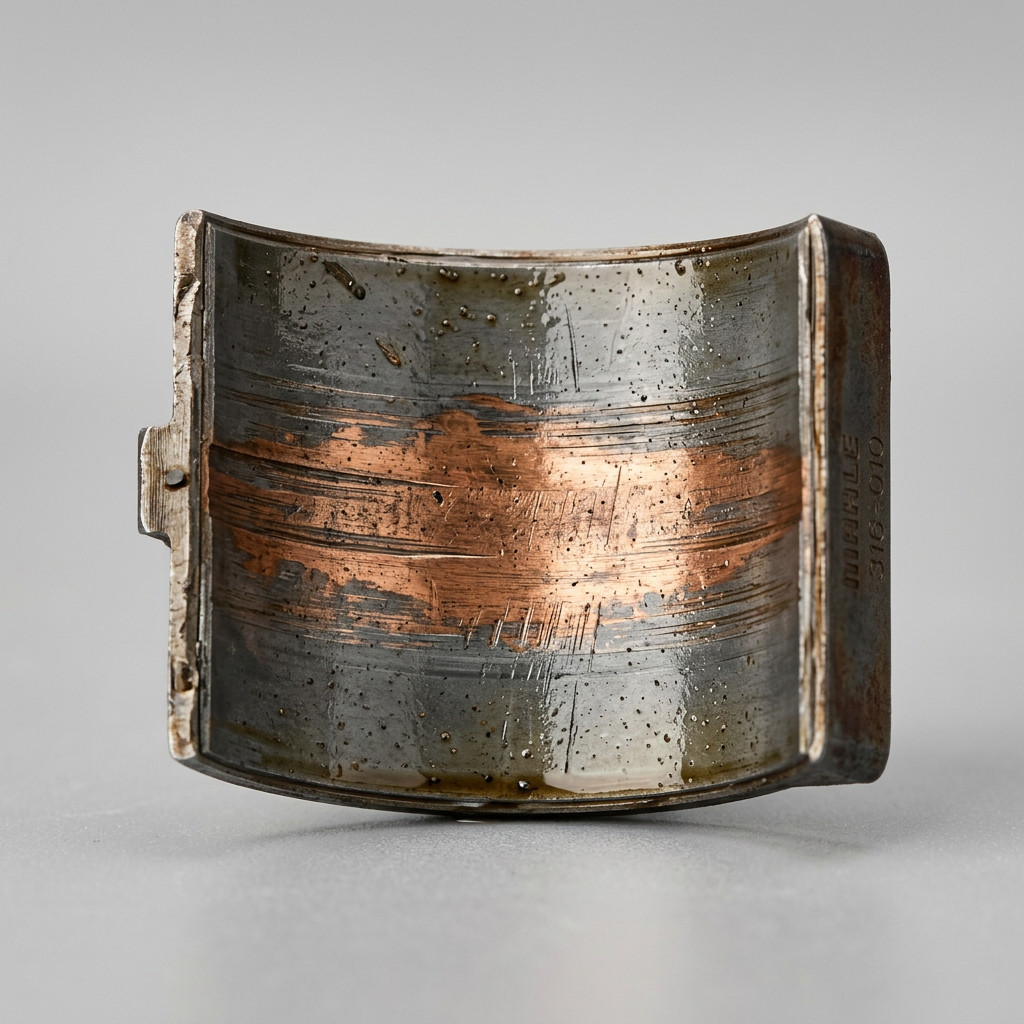
Bearing Wear
Elevated copper / lead / tin — bearing wear
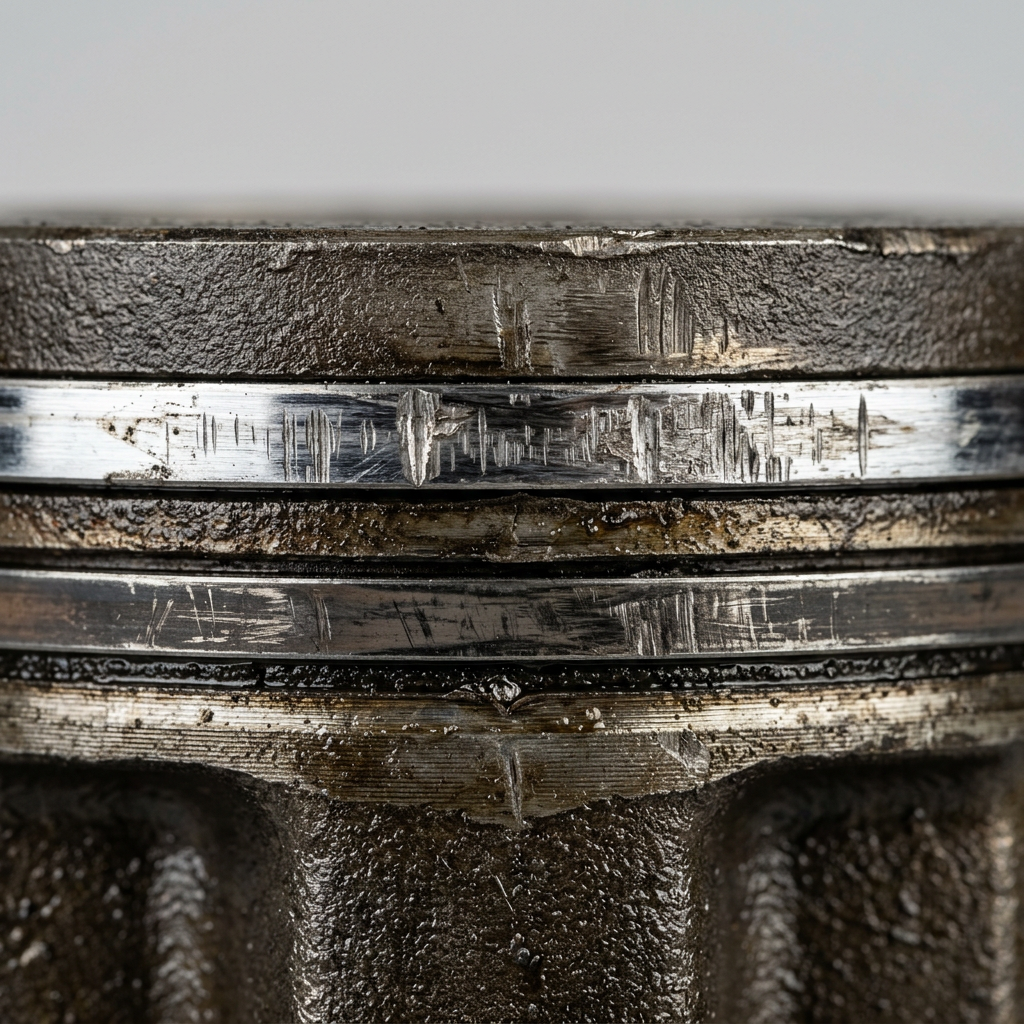
Ring Wear
Elevated iron — abnormal component wear
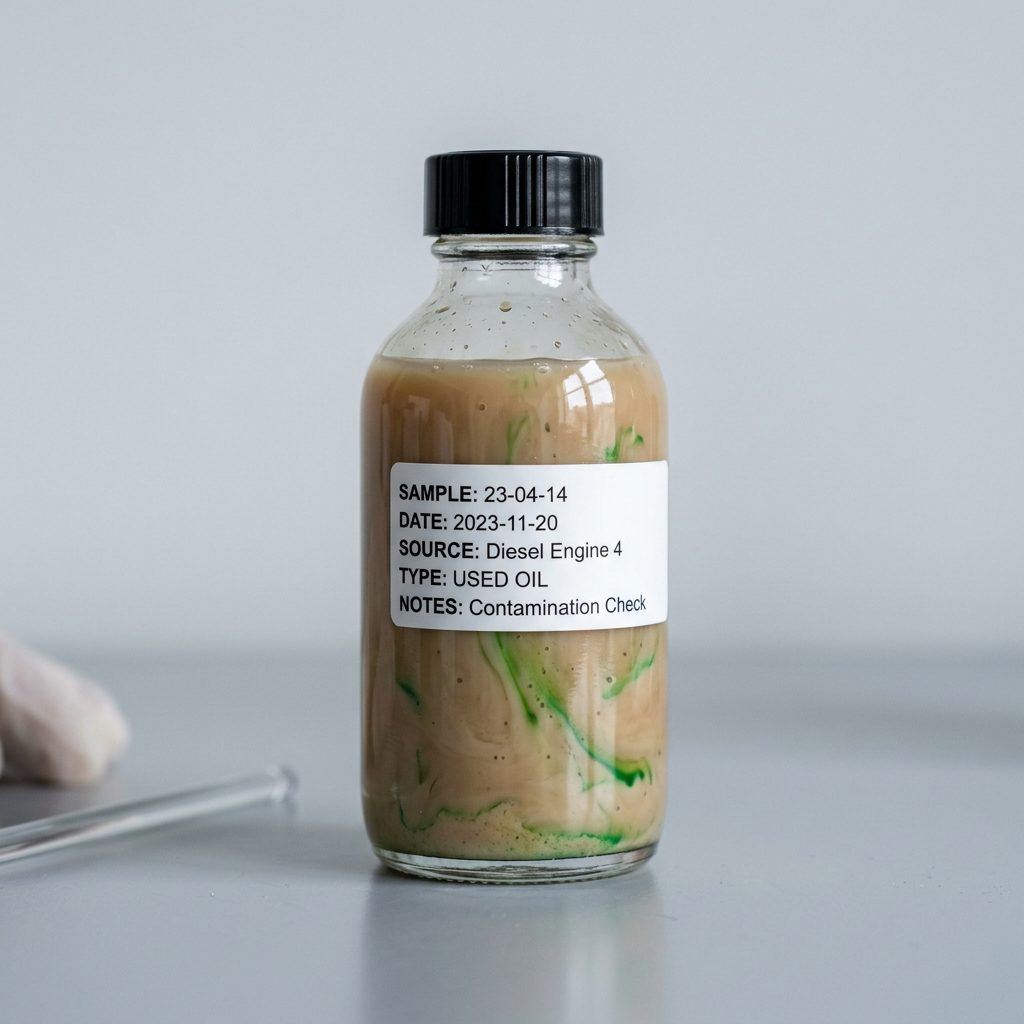
Coolant
Coolant / antifreeze ingress
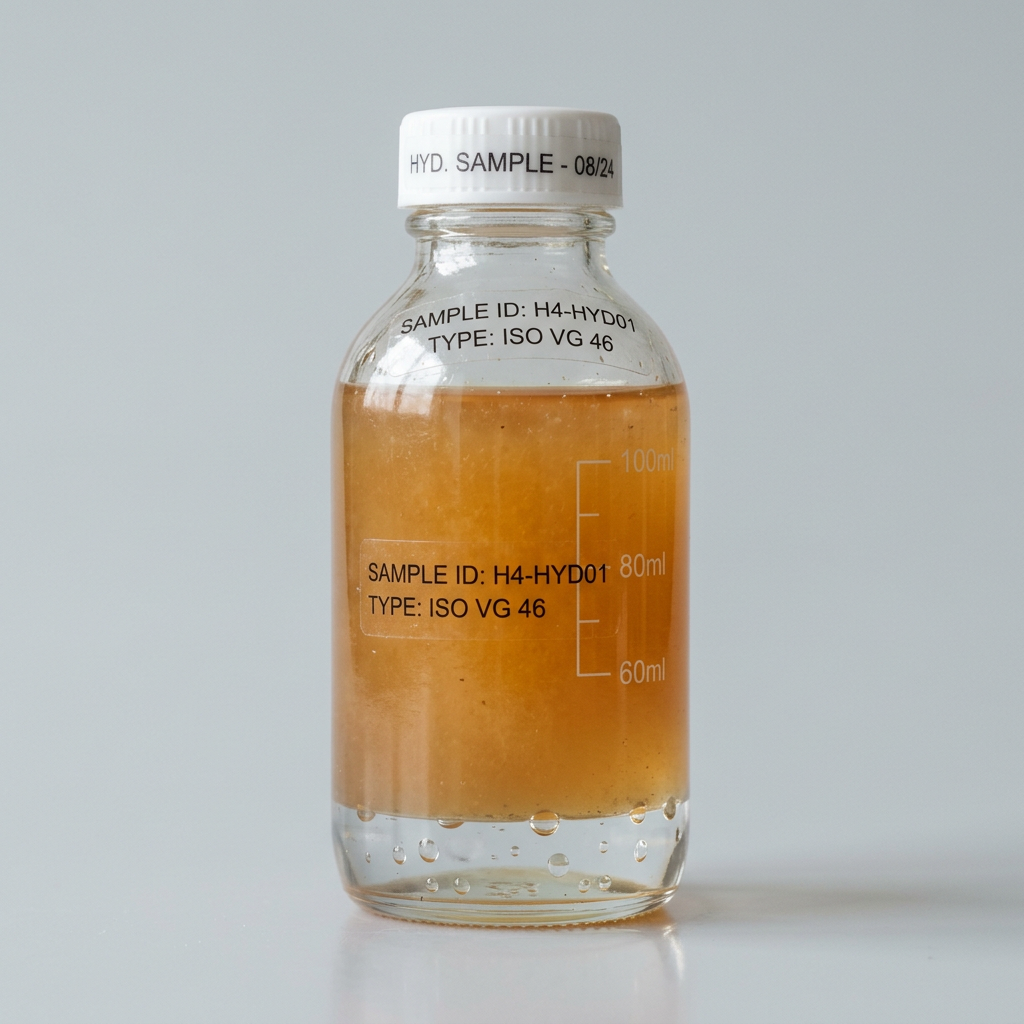
Water
Water / moisture in the oil
Trends Over Time
Parts per million (ppm) over time
cSt — should stay near the new-oil grade
Elements & water in ppm (left) · soot & fuel dilution in % (right)
Every parameter across every sample, color-coded by the lab's severity flag. The Limit column is the lab's condemning (abnormal) threshold for each parameter. Scroll right for older samples.
| Parameter | Limit | 2/5/26 | 4/22/26 | 6/24/26 |
|---|---|---|---|---|
| Overall | Abn. | |||
| Wear Metals | ||||
| Ironppm | — | 20 | 55 | 140 |
| Leadppm | — | 3 | 8 | 18 |
| Copperppm | — | 4 | 12 | 30 |
| Fluid Condition | ||||
| Visc @ 40°CcSt | — | 117 | 122 | 134 |
| Contamination | ||||
| Soot% | — | 0.5 | 0.8 | 1.1 |
| Glycol (Antifreeze) | — | Negative | Trace | Positive |
| Waterppm | — | 100 | 600 | 2,500 |
| Sodiumppm | — | 5 | 40 | 180 |
| Potassiumppm | — | 3 | 25 | 95 |
Sample data shown for demonstration. Your dashboard reflects only your equipment and is shared through a private link.
What Oil Analysis Reveals
Oil analysis detects wear and contamination that can reduce the useful life of your oil, or allow for major cost savings from drain interval extension.
Wear Metal Detection
ICP spectroscopy identifies microscopic wear particles from bearings, pistons, gears, and other components - often detecting problems hundreds of hours before failure.
Ring Wear
Iron, Chromium
Bearing Wear
Copper, Lead, Tin
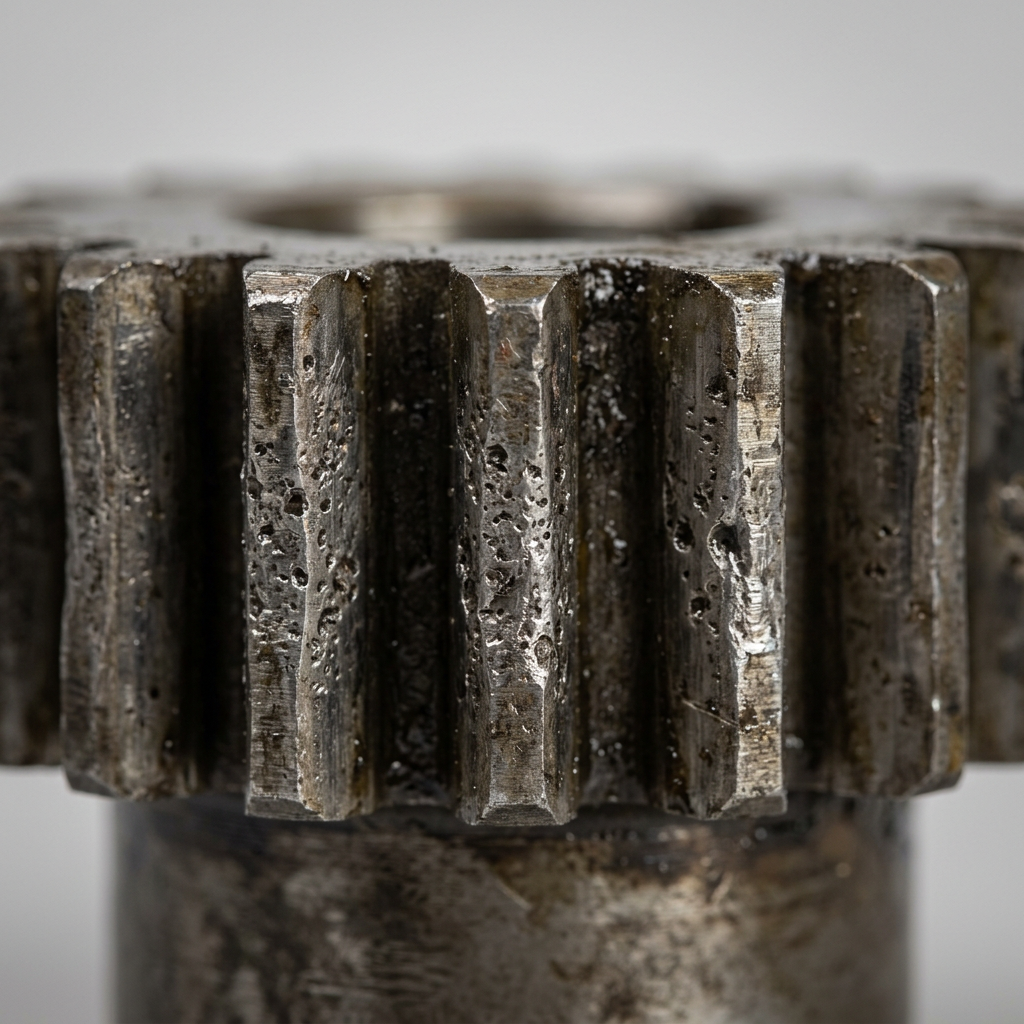
Gear Wear
Iron, Nickel
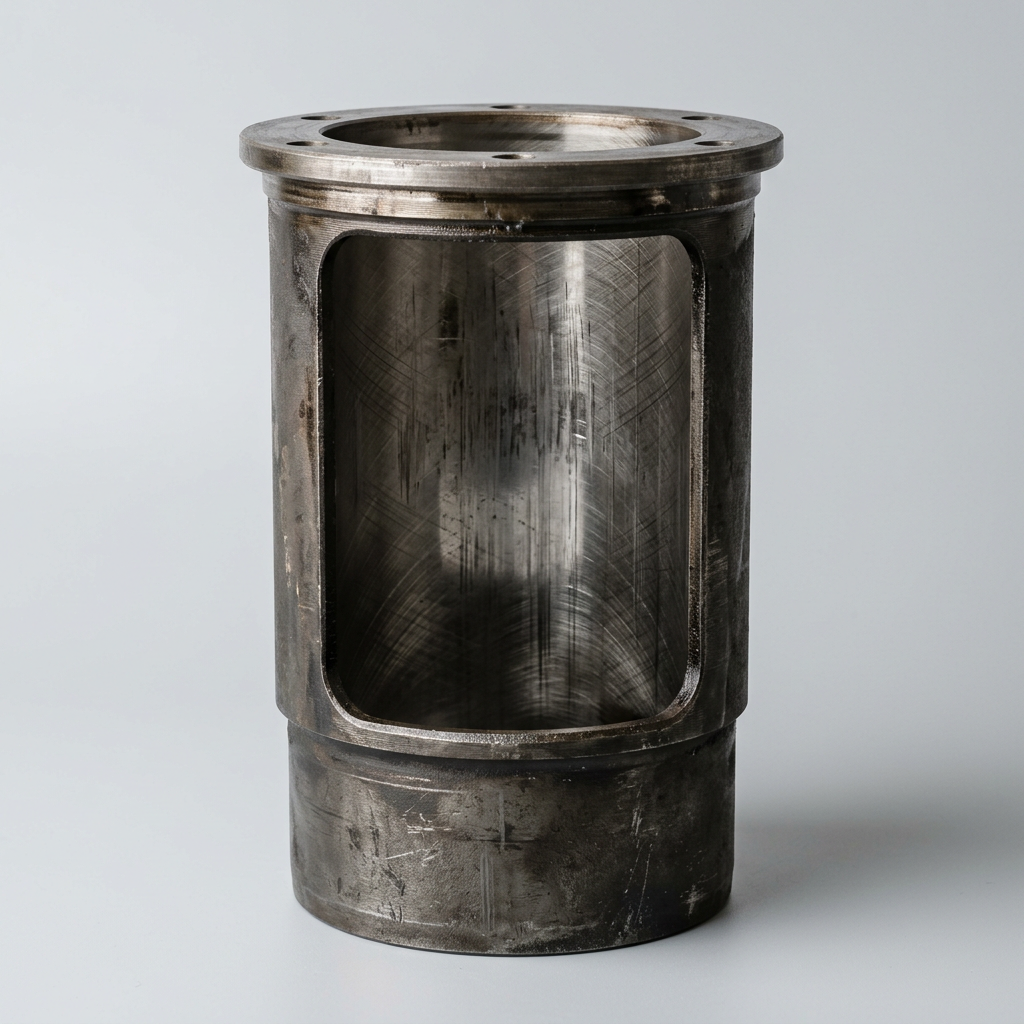
Cylinder Wear
Iron
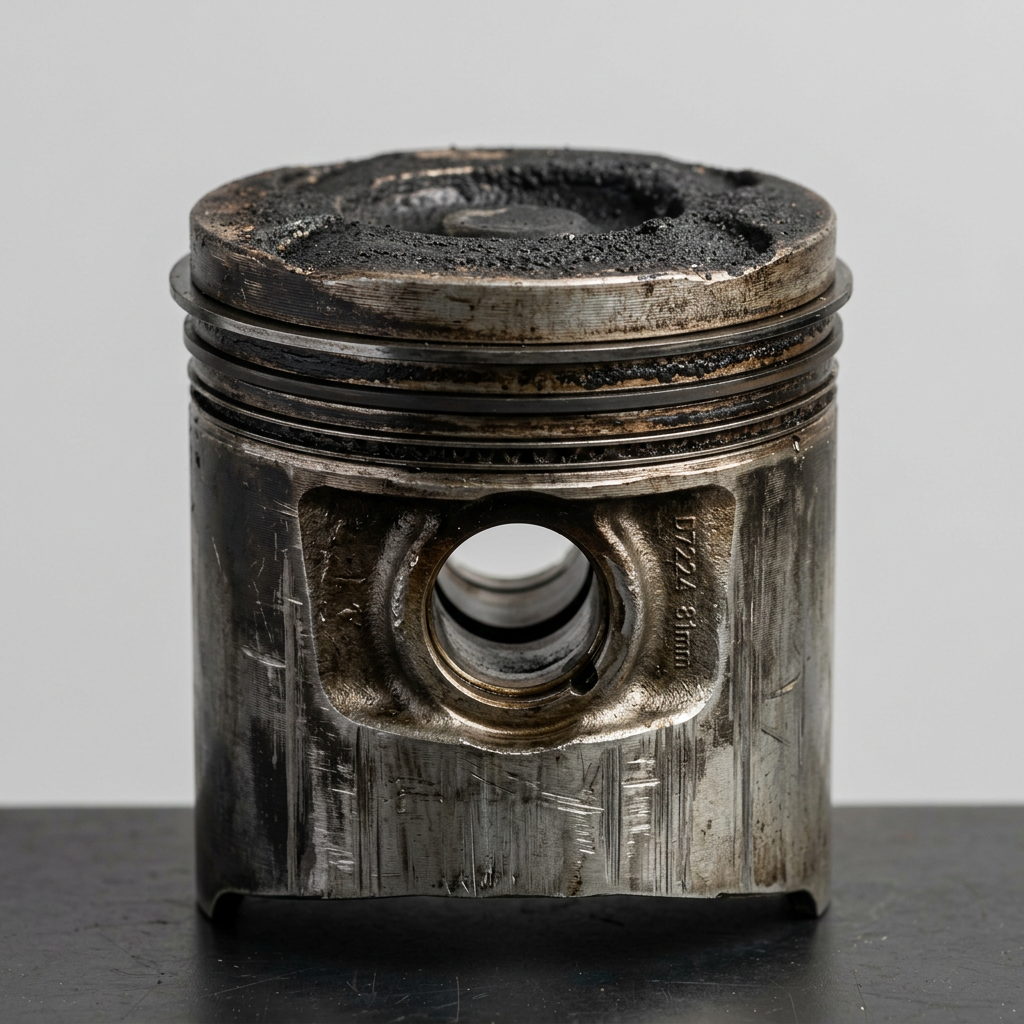
Piston Wear
Aluminum
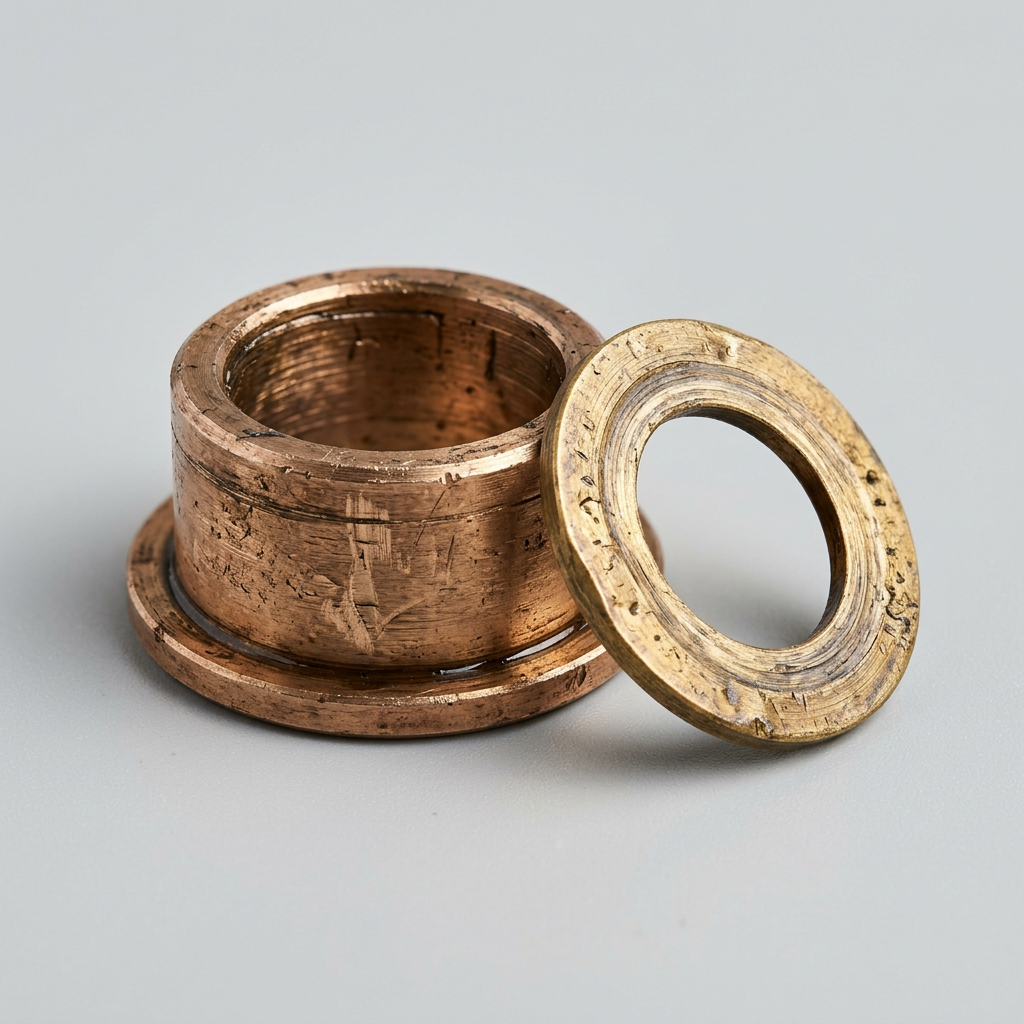
Bushings & Washers
Copper, Tin, Zinc
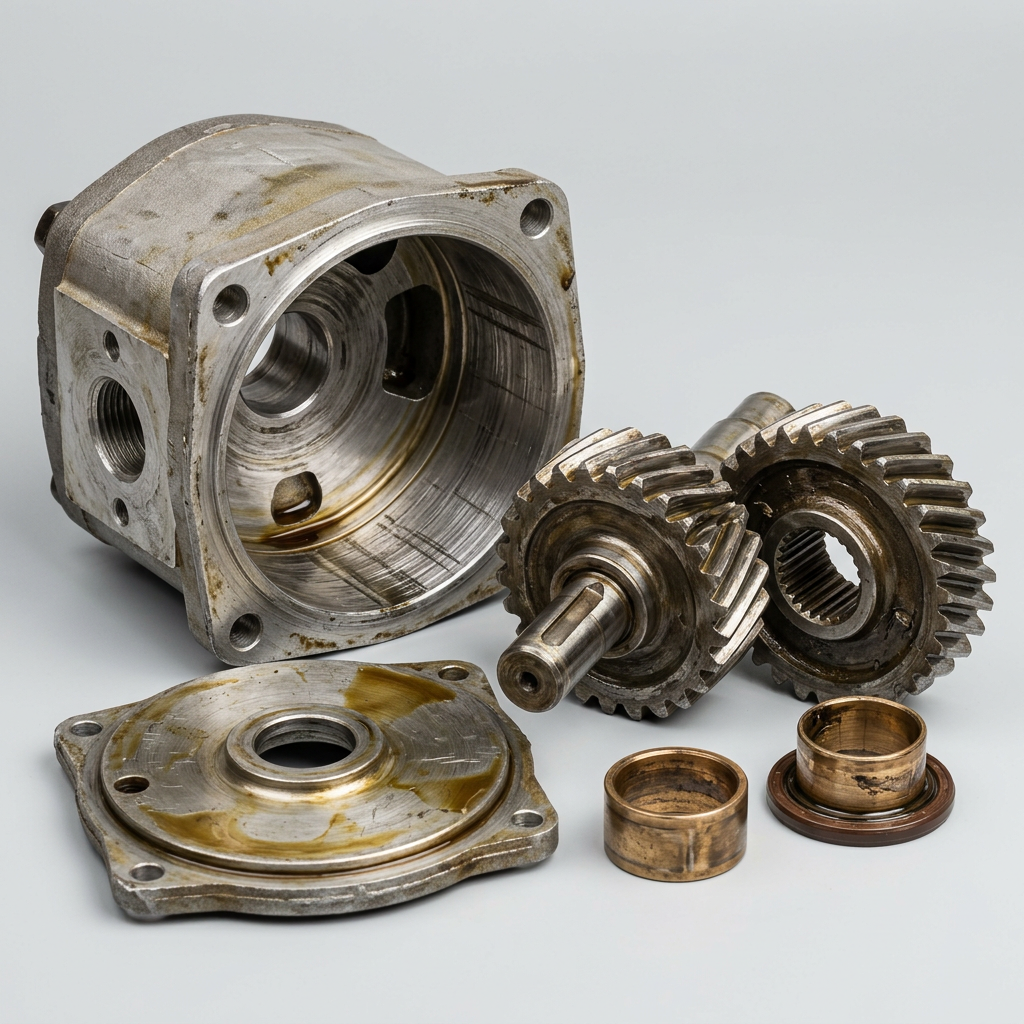
Hydraulic Pump Wear
Iron, Copper, Aluminum
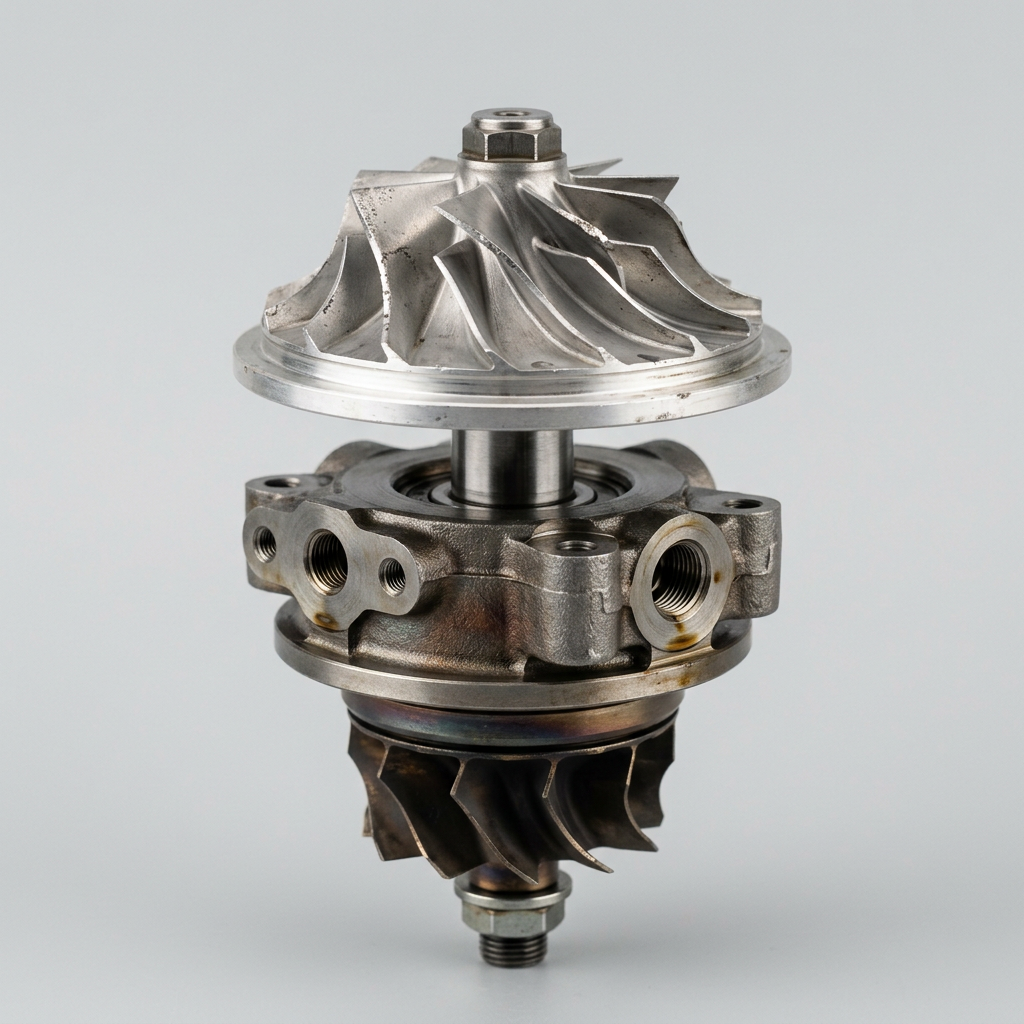
Turbo & Valve Train
Aluminum, Iron, Molybdenum
Contamination Detection
External contaminants reduce oil life and accelerate wear. Our analysis identifies dirt, coolant leaks, fuel dilution, water, mixed fluids, and combustion byproducts before they cause damage.
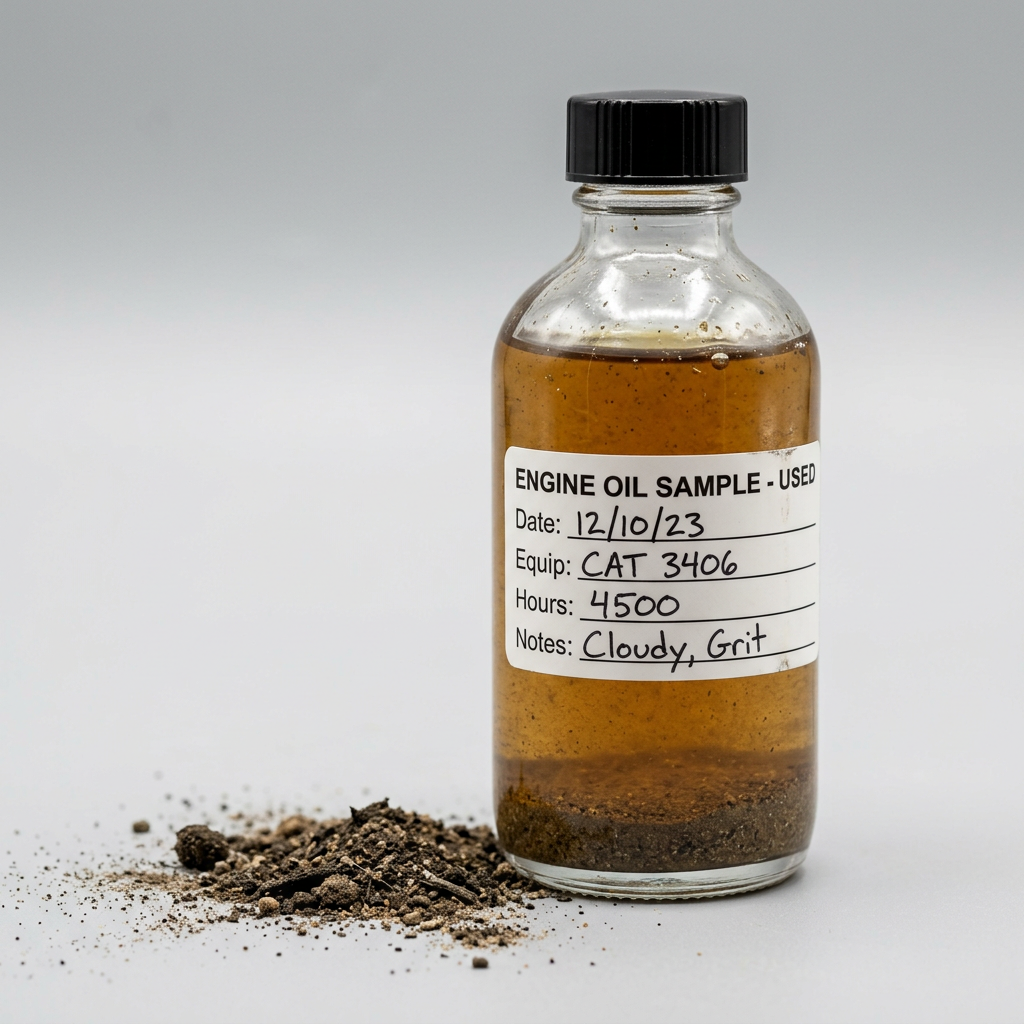
Dirt
Silicon, Aluminum
Antifreeze
Sodium, Potassium, Boron
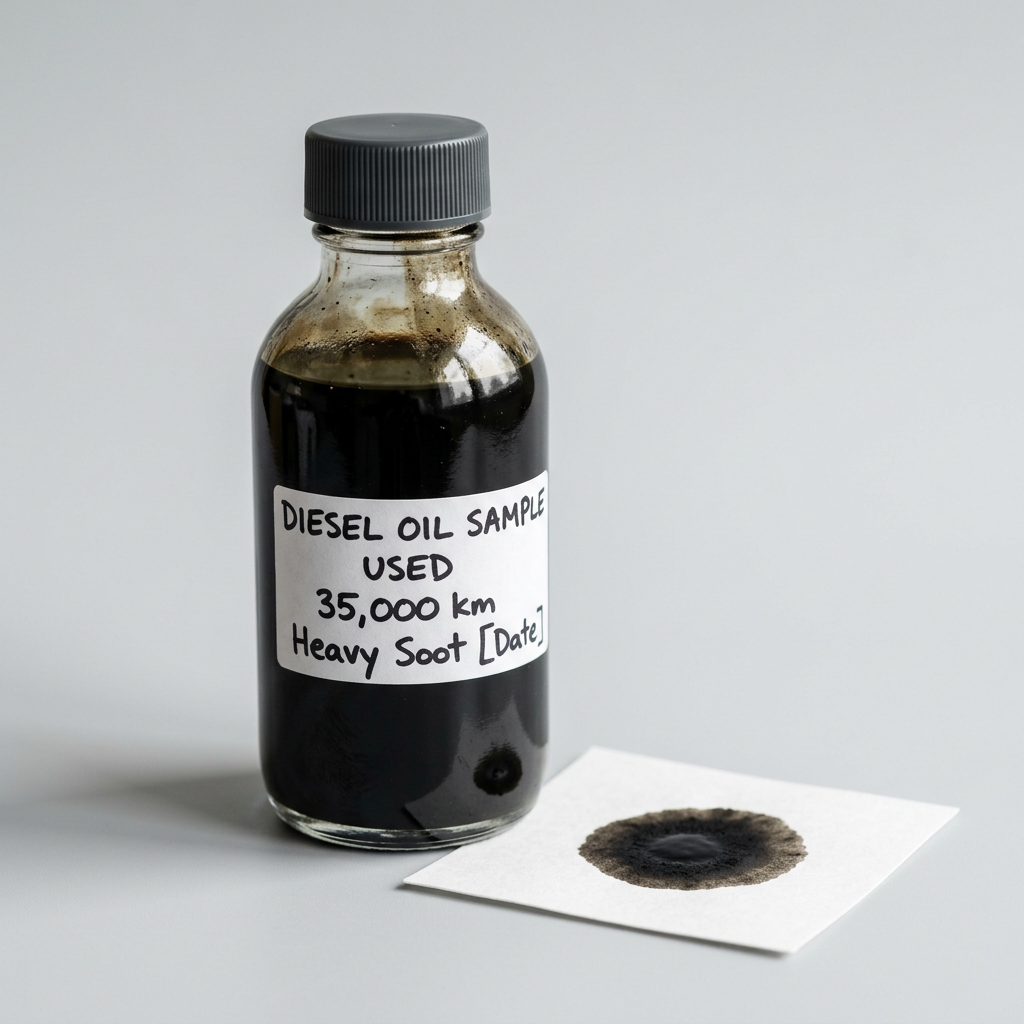
Soot
Carbon Buildup
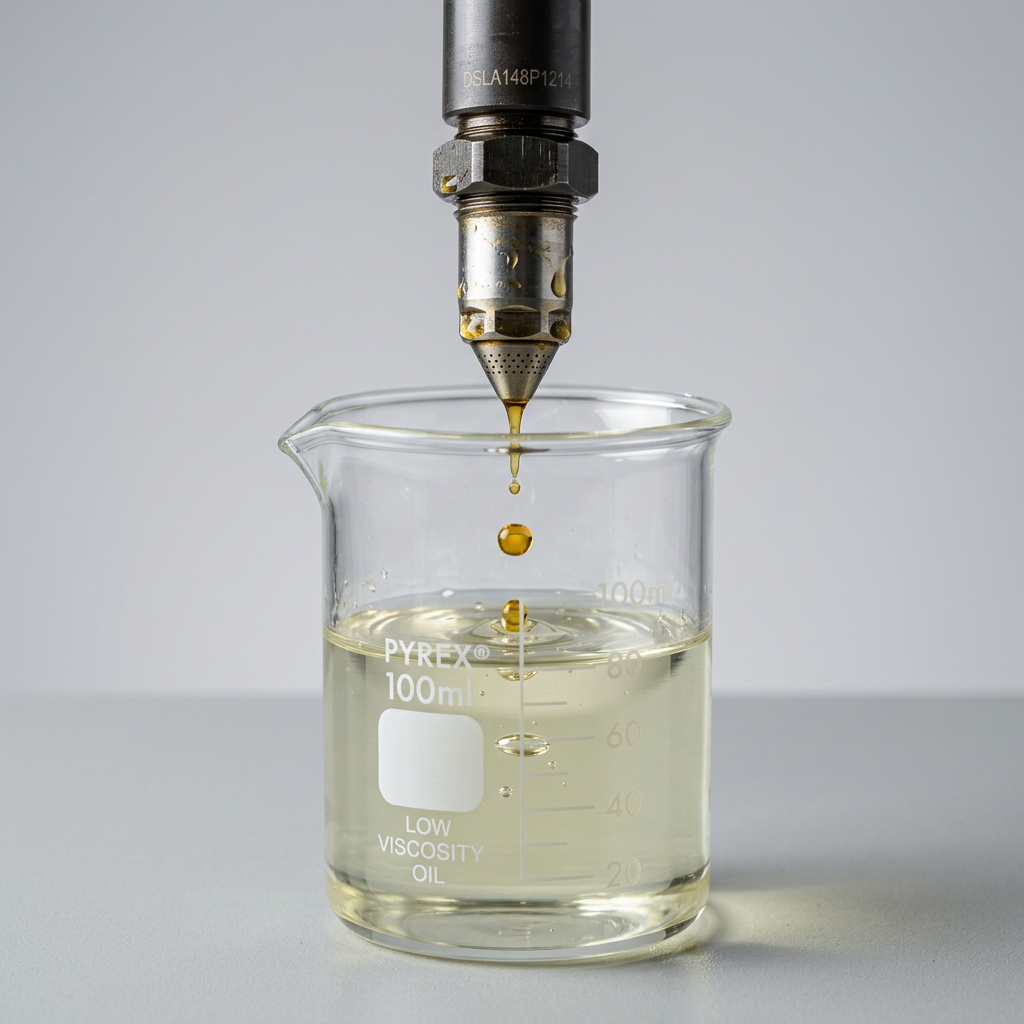
Fuel Dilution
Viscosity Drop, Flash Point
Water
Karl Fischer, Crackle Test
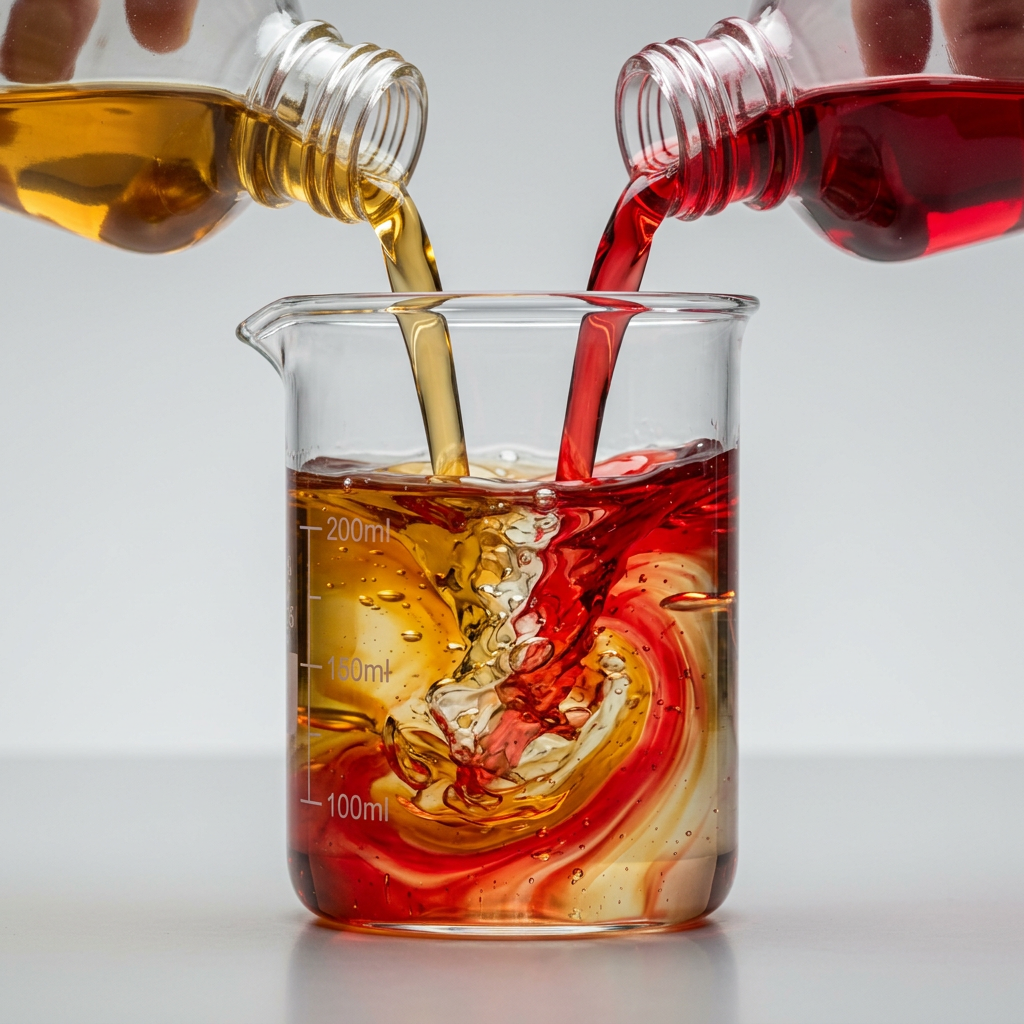
Mixed Oils
Additive Mismatch
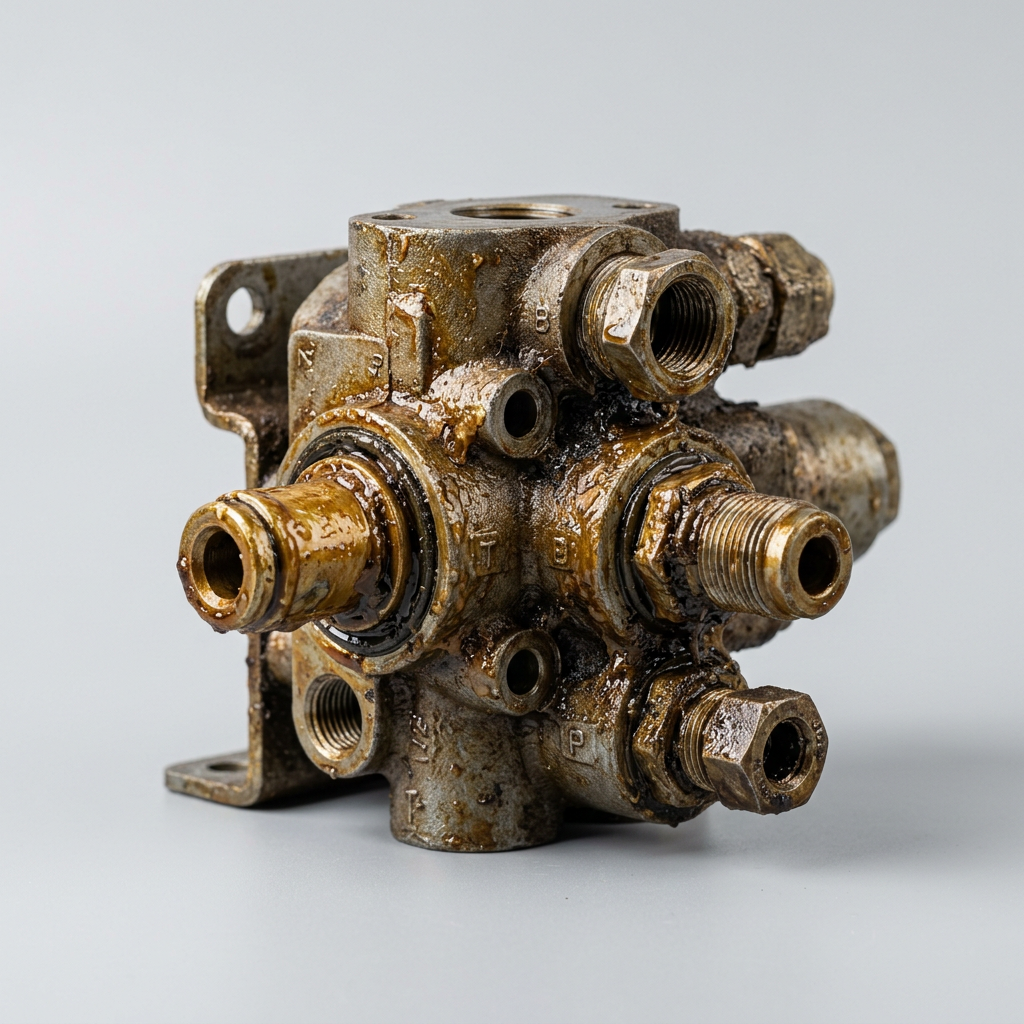
Sludge & Varnish
Oxidation, Nitration
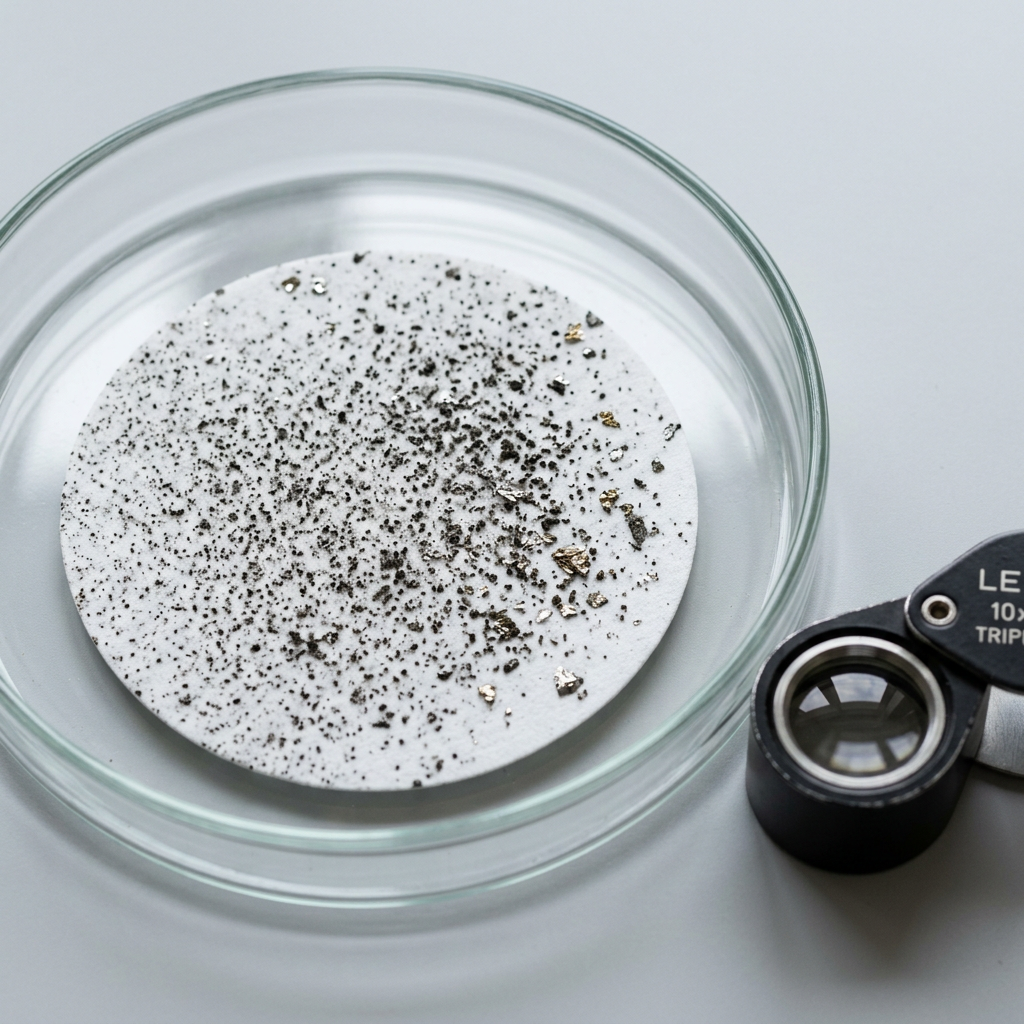
Particle Count
ISO 4406 Cleanliness
pH & Oxidation Monitoring
Measuring pH is critical because it reveals the acidity level of your oil, which directly indicates oxidation and degradation. As oil oxidizes, it becomes more acidic, forming harmful acids that can corrode metal surfaces and reduce lubrication effectiveness.
Total Acid Number (TAN)
Tested on industrial oils (hydraulic, gear, compressor) in IND kits. Rising TAN indicates oxidation and acid formation, which leads to corrosion, varnish deposits, and accelerated wear on bearings and seals.
Total Base Number (TBN)
Tested on engine oils in MOB kits. TBN measures the oil's remaining alkaline reserve to neutralize combustion acids. When TBN drops too low, the oil can no longer protect against corrosion.
Two oils, two acid tests
WearCheck matches the acid test to the oil. Engine oils are checked for how much protection is left (TBN). Industrial oils are checked for how much acid has built up (TAN).
Engine oils: watch TBN fall
For: diesel, gasoline & natural gas engines. Key test: TBN (Total Base Number)
Engine oil is built alkaline to neutralize combustion acids. Every hour of service uses some of that reserve up. Once TBN falls to about half of the new-oil value, the oil can no longer protect the engine from corrosion.
Industrial oils: watch TAN rise
For: hydraulics, gearboxes, compressors & turbines. Key test: TAN (Total Acid Number)
Industrial oils don't carry a big alkaline reserve. Instead, heat and air slowly oxidize them, forming acids that cause varnish, sludge and corrosion. The lab compares TAN to the new oil: a rise of about 1.0 means it's time to change.
Save Money with Drain Interval Extension
When oil analysis shows your fluid is still in good condition, you can safely extend drain intervals - reducing oil costs, labor, and environmental impact while maintaining equipment protection.
- Reduce oil purchase costs by 20-50%
- Fewer oil changes = less downtime
- Early warning of developing problems
- Data-driven maintenance decisions
Watch: Oil Analysis Overview
See how our predictive oil analysis program helps you catch problems early and protect your equipment.
Ready to Protect Your Equipment?
Contact us to set up your oil analysis program and start saving.